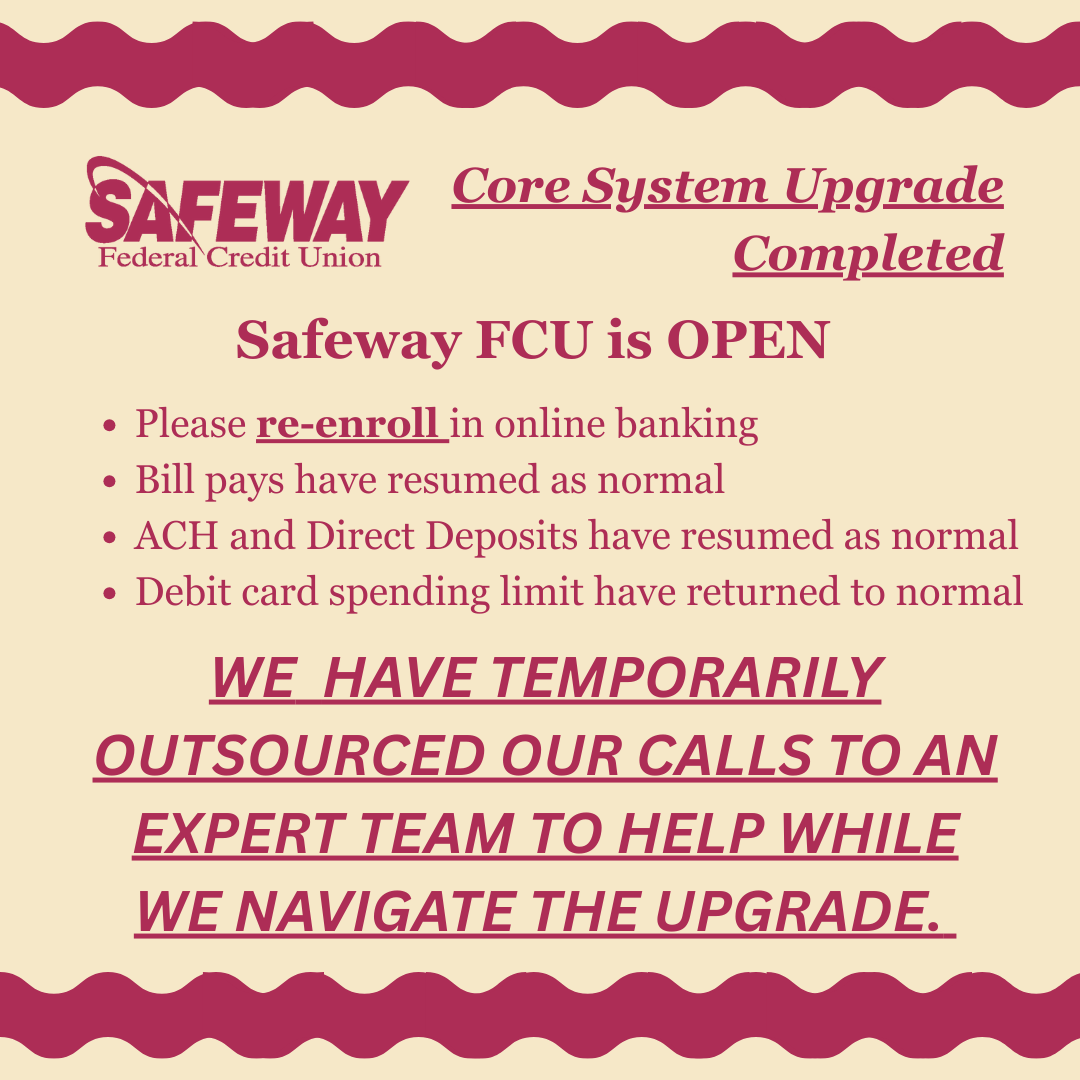

Core System Upgrade Guide For Members
Message from Wendy,
Hello to all of our Safeway FCU members. I hope 2026 is starting out in a positive way for you! It's hard to believe, but I've been steering this ship with my team for just over five years now. Starting out, what I thought would be my first hurdle – learning the job – took on another role: how to navigate a pandemic. That provided a different encounter of masks, sanitizer, plummeting rates, and excess liquidity. During that time, we learned the credit union needed remote deposit. In August of 2021, we upgraded our online banking to provide that to you. Also during 2020, our loan portfolio on RV's increased drastically because that's all people could do, go outside...and you guys did!
Since then, you’ve asked for better savings rates. We answered with the implementation of our Money Market account in September 2023 – which is still paying 4.00% APY on balances over $50,000. We've also granted CD specials, and we bumped up our current CD rates to be more competitive. Auto loan rates continue to be some of the best available, AND your rate won’t change based on your credit score. Our goal is to serve members with the best products and services, so you continue to choose us for your financial institution.
This is why we are getting an upgrade!
Services you have been asking for, like e-signing, provide quicker turnaround times with loan and membership documents. Fluid remote deposit features, the ability to make VISA payments through online banking, integration with Quicken/QuickBooks, and so much more. In order to provide these and many other exciting opportunities to come, we had to take the first step of upgrading our core system. This is just the first step to meeting your needs and expectations.
We hope you enjoy the products that come immediately with the upgrade, and we are excited to announce more in 2026…like the ability to choose your own debit card PIN and having digital issuance on debit cards! If you want to learn more, come to our annual meeting February 15, 2026 at The Mirabeau Park Hotel in the Spokane Valley or just give us a call.


Plan Ahead for Upgrade Weekend
- Verify your contact information is current
- Withdraw extra cash
- Plan secondary or alternative payment methods
- Save or print your digital e-Statements
- Visit the Credit Union before the upgrade to avoid longer wait times

Core System Upgrades
- Return of Voice Phone Banking
- Improved Remote Check Depositing
- Increased Information on Online Banking
- Improved Bill Pay
- New Credit Card Payment Method Through
- Online Banking
- Quicken/QuickBooks Integration

Core System Upgrade Timeline
Wednesday, February 11
- Preloaded and Re-occurring Bill Pays Are Paused
Thursday, February 12
- Preloaded and Re-occurring Bill Pays Are Paused
Friday, February 13
- Credit Union is Open
- Online Banking Offline
- Debit Card Limit Decreases
- All Bill Pays Are Paused
Saturday, February 14
- Credit Union Is Closed
- Debit Card Limit Decreases
- Online Banking Offline
- All Bill Pays Are Paused
Sunday, February 15
- Annual Meeting @ Mirabeau
- Credit Union Is Closed
- Debit Card Limit Decreases
- Online Banking Offline
- All Bill Pays Are Paused
Monday, February 16
- Credit Union Is Closed
- Debit Card Limit Decreases
- Online Banking Offline
- All Bill Pays Are Paused
Tuesday, February 17
- Credit Union Opens For Normal Operations
- Online Banking Returns, Please Re-Enroll
- All Paused Bill Pays Are Processed
- Debit Card Daily Spending Limit Returns To Normal

Frequently Asked Questions
What is a core system upgrade?
Our main software used to maintain account numbers and process transactions will be changing.
Why are we upgrading systems?
We are looking to expand our services and better aid our members. The first step in that process is switching core systems.
Are my funds and personal data safe during the upgrade?
Yes, your money and personal information will continue to be secure through this transition. Your information safety is our highest priority.
Will I have access to my old eStatements?
No, you will not be able to access your old eStatements after our system upgrade. We recommend printing or archiving your current eStatements for your records. After our core upgrade, all following digital statements will be retained. SFCU will have access to your older statements should you need them. Printing fees may apply. Please reach out to us if you need information on older statements.
Will I receive new checks?
No, your current checks will still work as normal.
Will my account number change?
Your main member number will not change. However, the suffixes to distinguish your accounts will change. See the table below for more details.
Will I be able to use my debit card during the upgrade?
Yes, you will be able to use your debit card. However, the daily spending limit will decrease for the upgrade weekend.
Will I be able to use my credit card during the upgrade?
Yes, if you have a Safeway FCU credit card (silver in color), you will be able to use your credit card. The upgrade weekend will have no impact on your VISA Credit Card.
Will I need to re-establish direct deposits or ACH?
No, we will continue to maintain existing direct deposits and ACH. Any new direct deposits and ACH will need to follow a different format. Please call us for newly generated direct deposit and ACH information.
Will I be able to see my transaction history online and in the mobile app?
After you have re-enrolled in online banking, you will be able to see your transaction history going back 24 months.
Will the mobile app change?
Yes, we are getting a new app. The name will remain “SFWY CU APP” in the app store. After the upgrade, you will need to uninstall and reinstall to update your mobile app.
How will scheduled bill pays be impacted?
Bill pays scheduled on Wednesday, February 11 through Monday, February 16 will be delayed until Tuesday, February 17.
How can I prepare?
Before the upgrade weekend, make sure your contact information with us is current. With decreased access to funds over the upgrade weekend, make sure to have secondary or alternative spending options planned.
Safeway FCU Online Banking
You will need to re-enroll in online banking when you access it for the first time. Our upgraded system offers new features and increased insights into your accounts.
First Time Log-In instructions
- Go to www.safewayfcu.com and click on "Online Banking"
- Click "First Time User"
- For username enter your member account number
- For your temporary password, use the last four of your Social Security Number & your birth year
- You will then receive a text or email two-factor authentication code to the phone number or email on file
- Enter your authentication code and you will be prompted to set up your password
- Accept the terms and conditions of use

 Coming Soon!
"SFWY CU APP" in your app store
Coming soon, our upgraded online banking system includes more user-friendly features and functionality that allows you to better manage your finances. Once the upgrade is complete, you will need to update the SFWY CU APP.
Note: The mobile app will launch a few days after conversion, we will update you when it’s available. You will be able to access your online banking on the browser page on 2/17
Update Instructions
- Go to your device's app store
- Update the app
- If you have already signed in as a new user into the new online banking, use those credentials to log in
- If you have not signed in as a new user into the new online banking, select "First Time User"
- For username enter your member account number
- For your temporary password, use the last four of your Social Security Number & your birth year
- You will then receive a text or email two-factor authentication code to the phone number or email on file
- Enter your authentication code and you will be prompted to set up your password
- Accept the terms and conditions of use
Telephone/Voice Banking
Voice Phone Banking is returning on Tuesday, February 17th! This automated system will allow you to check your balance, review transactions, and complete transfers within Safeway FCU.
How the new system will work
- Call (833) 869-9820 and select the option for Telephone Banking.
- Enter your member account number, then press #.
- Enter your temporary PIN (the last 4 digits of the primary member’s SSN), then press #.
- You will be prompted to enter a new PIN, then press #.
- Confirm your new PIN.
-
Select a Main Menu Option:
- 1—Account inquiries, including balances and recent transactions
- 2—Funds transfer
- 3—Hear current rates or calculate estimated loan payments
- 4—Change your PIN (the PIN of your voice banking account, not your debit card)
- 5—Change to a different member account number
- 6—Other CU services, including location and hours
- 8—Repeat the menu (press 8)
- 9—End the call (press 9)
- 0—CU Talk Tutorial (press 0) — press * to exit the tutorial and return to the main menu
New Account Suffixes
The way we track account numbers will change. Your core account number will stay the same. The main change is we are adding suffixes to define subaccounts. After the upgrade, we are more than happy to help you differentiate your subaccounts. Below is a list of all new account suffixes.
Shares
| Account Type | Old Suffix | New Suffix |
|---|---|---|
| Primary Regular Shares | S1 | 000 |
| Sub Regular Shares | S1.1-S1.9 | 001-0019 |
| Christmas Club | S9 | 090-092 |
| Money Market | S2 | 020-025 |
| Share Draft | S5 | 100-105 |
Loans
| Account Type | Old Suffix | New Suffix |
|---|---|---|
| New Auto | L1 | 500-510 |
| Used Auto | L4, L5 | 520-530 |
| New Other Secured | L60, L62 | 540-550 |
| Used Other Secured | L21, L61, L63, L70, L71 | 560-570 |
| Unsecured | L16, L17, L18 | 580-590 |
| 1st Mortgage | L30 | 700 |
| 2nd Deed of Trust | L31 | 710 |
| HELOC | L50, L51 | 800 |
IRA and CD
| Account Type | Old Suffix | New Suffix |
|---|---|---|
| Traditional IRA | S20 | 200 |
| Roth IRA | S15 | 210 |
| Educational IRA | S18 | 220 |
| SEP IRA | S21 | 230 |
| 6 Month CD | I3 | 300-325 |
| 12 Month CD | I4 | 300-325 |
| 18 Month CD | I5 | 300-325 |
| 24 Month CD | I6 | 300-325 |
| 3 Month Youth CD | I22 | 300-325 |
| Money Market CD | I23 | 300-325 |
| 6 Month IRA CD | I7, I10 | 400-425 |
| 12 Month IRA CD | I1, I18, I11 | 400-425 |
| 18 Month IRA CD | I13, I14, I15, I16, I17 | 400-425 |
| 24 Month IRA CD | I2, I9, I12 | 400-425 |
ACH and Direct Deposit Info
Current direct deposits and ACH payments will be carried over into the new system. After the upgrade on Friday, February 13th, newly generated direct deposits and ACH payments will have a different account number. See below for details:
Savings —
Add the suffix to the end of the account number.
Example:
Old account – 12345 S1
New account – 12345000
Checking — Use the MICR number on the bottom of your checks.
What Should I Do
Prepare for the long weekend and upgrade by:
- Ensuring your contact information is up to date
- Withdrawing extra cash for the weekend
- Being patient with our staff while we adjust to a new system
- Archiving your previous e-statements for future access
- Making a calendar reminder to avoid surprises

Thank you in advance for your patience and understanding while we work through this upgrade. We apologize if wait times in our lobby and drive thru will be longer than normal as we assist members with our new systems.